

Executive Overview
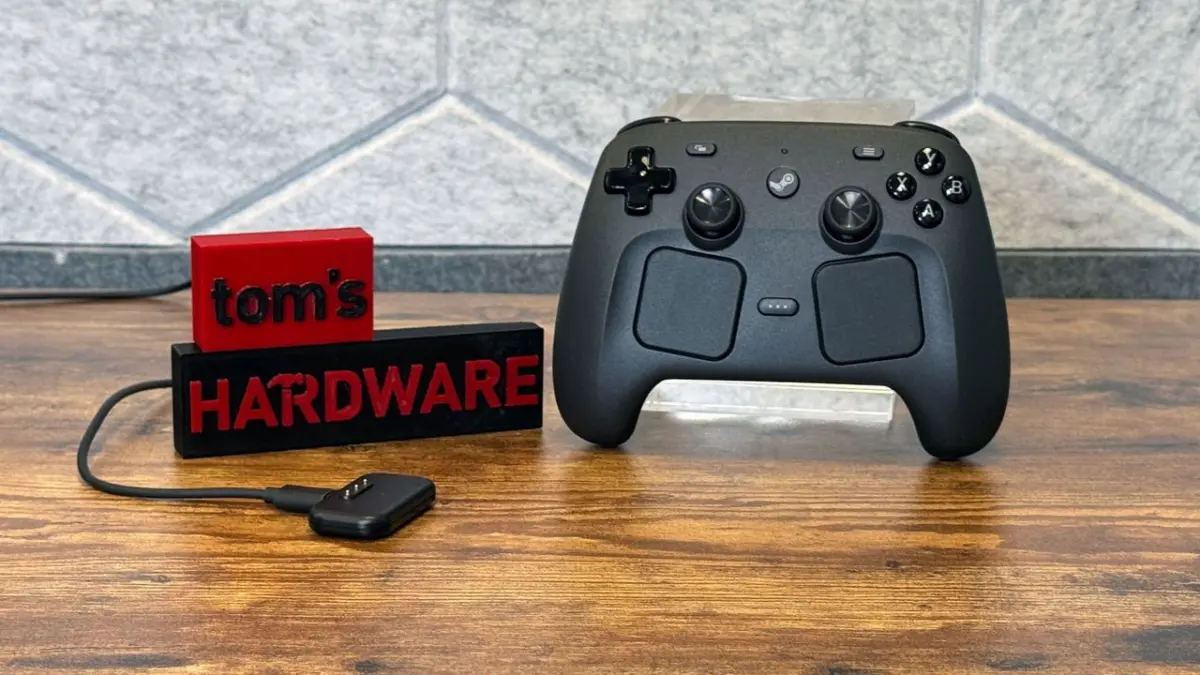
The open-source hardware ethos has long been celebrated in the PC gaming community, but recent developments surrounding Valve’s second-generation Steam Controller have pushed community-driven hardware modification into uncharted territory. Thanks to Valve’s permissive design philosophy and accessible lower-level architecture, tech enthusiasts and modders have repeatedly repurposed the controller’s components for unintended—and often astonishing—feats of engineering.
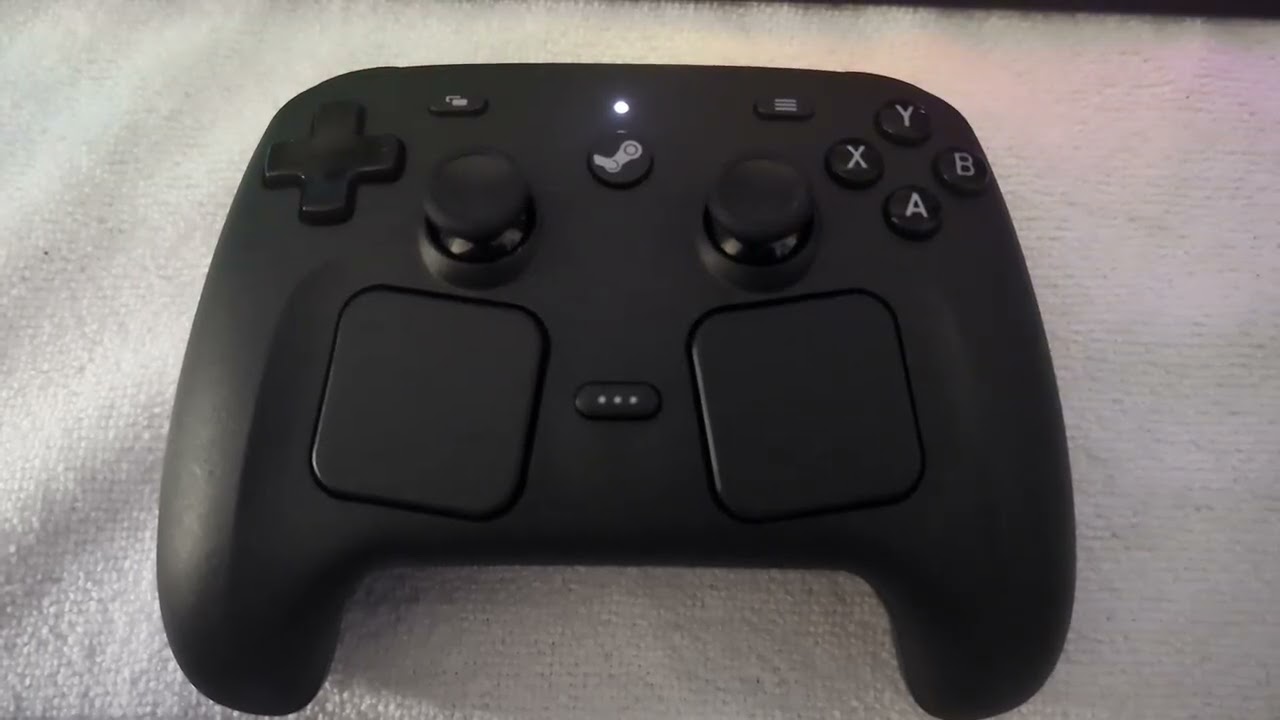
Most recently, a developer and hardware hobbyist known as Pixel1011 has released an open-source project dubbed "Steam Haptics Player." This utility accomplishes a seemingly impossible task: it bypasses high-level software frameworks to target the controller’s internal linear actuators directly, converting the haptic feedback motors under each trackpad into a functioning stereo speaker system capable of playing music both wired and wirelessly.
While the concept of using vibration-producing motors to generate audio is technically grounded in the physics of sound production—where alternating air pressure waves are created by physical movement—achieving intelligible, high-fidelity music playback from a handheld gaming peripheral is a monumental software and hardware challenge. This article provides a comprehensive examination of the Steam Haptics Player project, breaking down its technical methodologies, performance metrics across wired and wireless configurations, and what this ingenious hack signals for the future of user-modifiable gaming peripherals.
Detailed Chronology of Steam Controller Haptic Modding
To understand the breakthrough represented by the Steam Haptics Player, it is necessary to contextualize the rapid evolution of community-led experimentation that preceded it. The second-generation Steam Controller has rapidly become a darling of the hardware modding scene, largely because its firmware and hardware interfaces invite low-level tinkering.
Phase 1: Locomotion and Automated Docking
Shortly after the community gained widespread access to the device, modders began investigating the precise control capabilities of the dual linear haptic actuators situated beneath the trackpads. Because these motors can be programmed to oscillate at specific frequencies and intensities, ingenious developers realized they could induce physical movement.
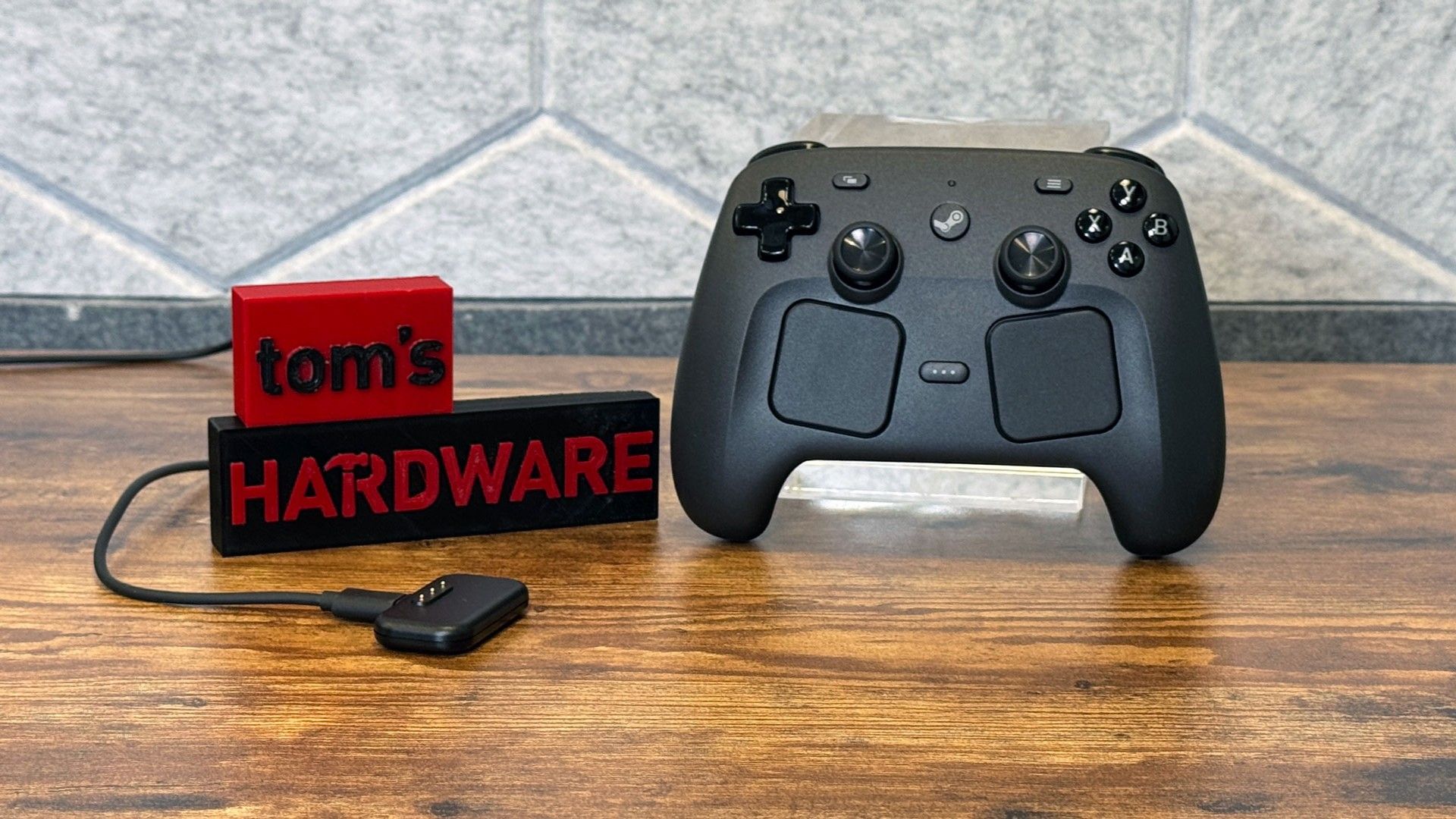
This culminated in an open-source GitHub project that utilized the controller’s internal vibration motors to propel the device across a desk surface. By modulating the frequency and directional impulse of the haptics, the modders engineered a program that could "walk" the controller backward onto a specialized charging pad, effectively turning a standard game controller into an autonomous, self-charging robot vacuum hybrid.
Phase 2: Reverse-Engineering the Puck and Open-Source Firmware
Following the autonomous movement experiments, other enthusiasts focused on the controller’s RF puck and communication protocols. By reverse-engineering the Steam Controller 2 puck, developers successfully built the OpenPuck—a do-it-yourself, open-source alternative receiver that operates entirely independently of Steam Input.
This custom firmware successfully allowed the controller to emulate various mainstream gamepad protocols, bridging the gap between Valve’s proprietary hardware ecosystem and standard cross-platform gaming setups (including Nintendo, PlayStation, and Xbox environments).
Phase 3: The Birth of Steam Haptics Player
Building upon these foundations of low-level hardware access, hobbyist Pixel1011 posed a daring question: If haptic motors create precise physical vibrations, and sound is fundamentally nothing more than physical vibrations traveling through the air, could the controller’s rumble motors be commanded to play complex audio waveforms?
The answer arrived in the form of the Steam Haptics Player. Bypassing the conventional audio subsystems entirely, the project utilizes low-level Human Interface Device (HID) feature commands via HIDAPI. By intercepting standard audio files, downsampling them through FFmpeg, and chunking them into Pulse Code Modulation (PCM) data streams, the software feeds raw audio packets directly into the controller’s firmware. The internal actuators translate these digital packets into physical oscillation, successfully projecting recognizable music into the room.
Technical Breakdown: How Haptic Audio Works
To appreciate the engineering feat achieved by Pixel1011, one must examine the fundamental differences between a traditional dynamic speaker driver and a haptic linear actuator.
Dynamic Speakers vs. Linear Resonant Actuators
A standard loudspeaker consists of a flexible cone (diaphragm), a permanent magnet, and a voice coil. When an electrical audio signal passes through the voice coil, it creates a fluctuating magnetic field that interacts with the permanent magnet, causing the cone to move back and forth rapidly. This precisely displaces air molecules, creating sound waves that the human ear perceives as music, speech, or noise.
Conversely, a linear resonant actuator (LRA) or linear haptic motor found in modern game controllers is designed primarily for tactile feedback—delivering sharp clicks, subtle thuds, or rumbling sensations to the user’s palms. While they also rely on magnetic coils and moving masses, their mechanical tuning is optimized for physical touch feedback rather than acoustic fidelity. Pushing an audio signal through them requires forcing a mechanical component to oscillate across a massive range of frequencies, many of which fall well outside the motor’s intended operating parameters.
The Software Pipeline: From MP3 to Controller Rumble
The software pipeline developed for the Steam Haptics Player bridges this technological gap through rigorous data processing:
- Audio Ingestion & Selection: The user selects virtually any common audio file format.
- Transcoding via FFmpeg: The source audio is processed through FFmpeg to strip away unnecessary frequencies and reduce the data footprint.
- PCM Stream Chunking: The audio is converted into a PCM stream, sliced into digestible packet sizes that the controller’s hardware buffer can manage without crashing.
- Direct HID Communication: Utilizing HIDAPI, the program bypasses high-level abstractions like Steam Input, dispatching the raw packets straight to the controller via low-level HID feature commands.
- Actuator Translation: The controller firmware interprets the incoming data packets and drives the dual linear actuators under the trackpads, transforming digital sound data into kinetic, audible sound waves.
Performance Metrics: Wired vs. Wireless Playback
Because the Steam Controller and its companion RF puck were never designed to handle continuous, high-bandwidth audio streaming over their radio frequencies, data throughput quickly emerges as the primary bottleneck for the project.
Wired Performance: Surprisingly Robust 16-Bit Audio
When connected via a physical cable, the system has access to significantly higher data transfer rates. Under this configuration, the Steam Haptics Player transmits 16-bit 8kHz PCM audio.
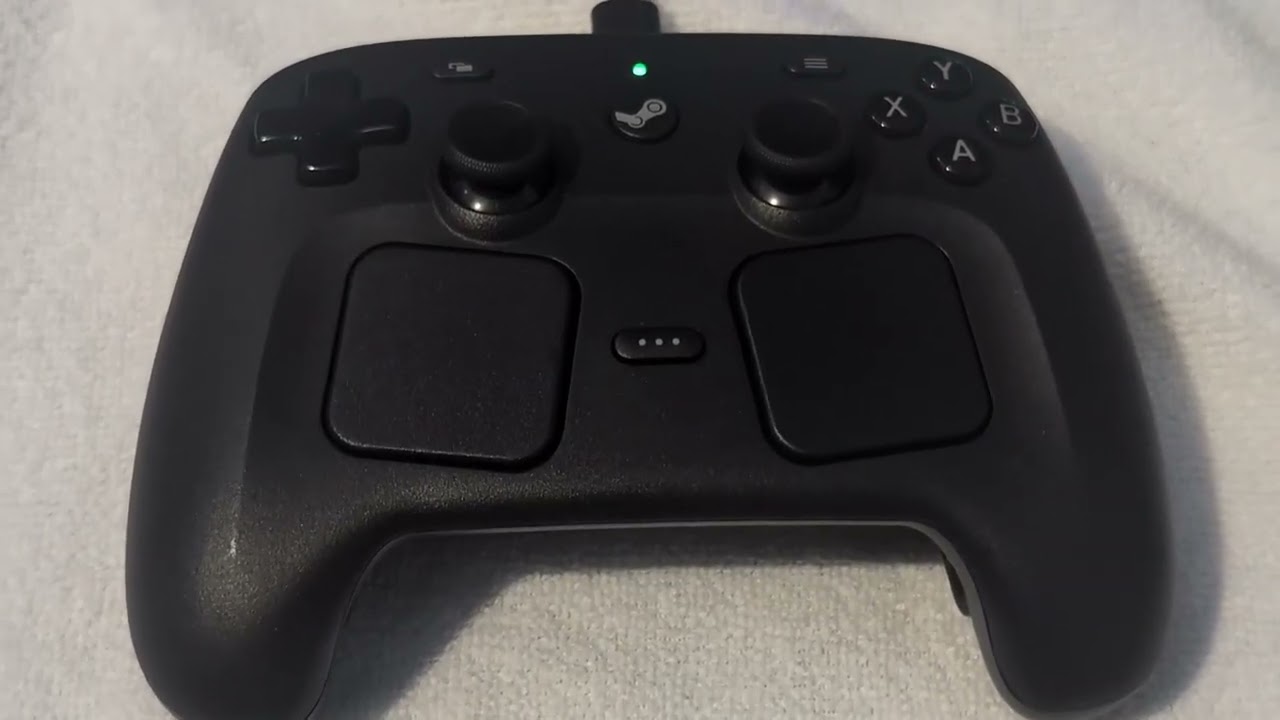
The results are astonishingly coherent. Demonstrations—such as playing "Want You Gone" (the end-credits theme from Valve’s critically acclaimed Portal 2)—reveal a surprising level of acoustic clarity. When the controller is placed carefully on a flat surface (or atop a dampening medium like a towel to optimize resonance), the physical chassis of the controller acts as an unintended soundboard. Listeners report a genuine low-end response and balanced mid-range tones that easily deceive the ear into believing a legitimate, albeit tiny, desktop speaker is operating nearby.
Wireless Performance: The Bandwidth Wall
Conversely, operating the setup wirelessly introduces severe technical hurdles. Because the RF puck lacks the bandwidth required to transmit continuous audio signals alongside standard controller inputs, aggressive compression is mandatory.
Pixel1011 implemented 8-bit $mu$-law (mu-law) companding for the wireless mode. Companding (compressing and expanding) allows an 8-bit data stream to achieve a dynamic range roughly equivalent to a 14-bit signal, preserving fidelity while minimizing the byte footprint.
Despite this clever mathematical optimization, the wireless connection struggles heavily:
- Audio Artifacts: Playback is plagued by noticeable crackling, popping, and harmonic distortion.
- Packet Loss & Latency: Bandwidth starvation causes frequent audio dropouts and stuttering.
- Hardware Strain: The controller’s onboard wireless receiver operates near its absolute maximum processing capacity just to handle the compressed data stream.
Supporting Context & Community Implications
The success of the Steam Haptics Player highlights a broader cultural shift within the consumer electronics and PC gaming landscapes. For years, hardware manufacturers have leaned toward closed ecosystems, locking down firmware, obfuscating protocols, and discouraging user modification under the guise of security and proprietary integrity.
Valve’s approach with the Steam Controller ecosystem stands in stark contrast. By maintaining a relatively open architecture and allowing developers deep, unmitigated access to device firmware and hardware registers, Valve has inadvertently fostered an academic and hobbyist playground.
Projects like the Steam Haptics Player, the autonomous charging robot mod, and the OpenPuck firmware demonstrate the immense value of open innovation. They transform a commercial peripheral from a static consumer good into an extensible platform for creativity. Educationally, these mods provide aspiring embedded systems engineers, software developers, and audio technicians with real-world sandboxes to explore signal processing, data compression, and hardware reverse engineering.
Future Outlook and Potential Risks
While the Steam Haptics Player is an incredible technical achievement, prospective experimenters must approach the software with caution.
Battery Life and Thermal Concerns
Linear haptic actuators are designed for short, transient bursts of vibration during gameplay—such as firing a weapon or experiencing an in-game explosion. They are not engineered for continuous, sustained high-frequency oscillation over extended periods. Driving these motors with heavy, continuous audio streams—especially bass-heavy tracks—draws significantly more continuous electrical current than standard operation.
While comprehensive long-term testing is still ongoing, community developers have issued informal warnings regarding battery longevity. Running audio through the haptics for prolonged sessions can drain the internal battery rapidly and potentially accelerate mechanical wear or thermal degradation on the actuator coils.
Where Can the Project Go From Here?
Looking forward, developers in the community are already pondering optimizations to push the hardware even further:
- Advanced Compression Algorithms: Implementing more efficient psychoacoustic compression models could potentially clean up the wireless audio crackle, making cable-free haptic music playback genuinely viable.
- Custom Equalization Profiles: Developing software-side EQ filters tailored specifically to the physical resonance frequency of the Steam Controller chassis could artificially enhance bass response and clarity.
- Broader Hardware Adaptation: The methodologies pioneered by Pixel1011 may inspire similar mods for other haptic-heavy peripherals, such as the PlayStation DualSense controller or specialized VR haptic vests.
How to Try It Yourself
For enthusiasts equipped with a second-generation Steam Controller, a Windows PC, and a spirit of technical adventure, trying out the project is relatively straightforward. The complete source code, archiving packages, and step-by-step installation instructions are publicly available via the GitHub repository.
Users must install FFmpeg to handle local audio transcoding, navigate to the directory via PowerShell, and execute the program. However, a word of advice from the modding community: keep the volume reasonable, monitor your battery health, and perhaps refrain from routing your entire daily Spotify playlist through your controller’s rumble motors.
Stay tuned to Tom’s Hardware for ongoing coverage of open-source hardware modifications, deep-dive technical breakdowns, and the latest developments in PC gaming peripherals.
